
Project Overview: Ritten Data Studio Launch
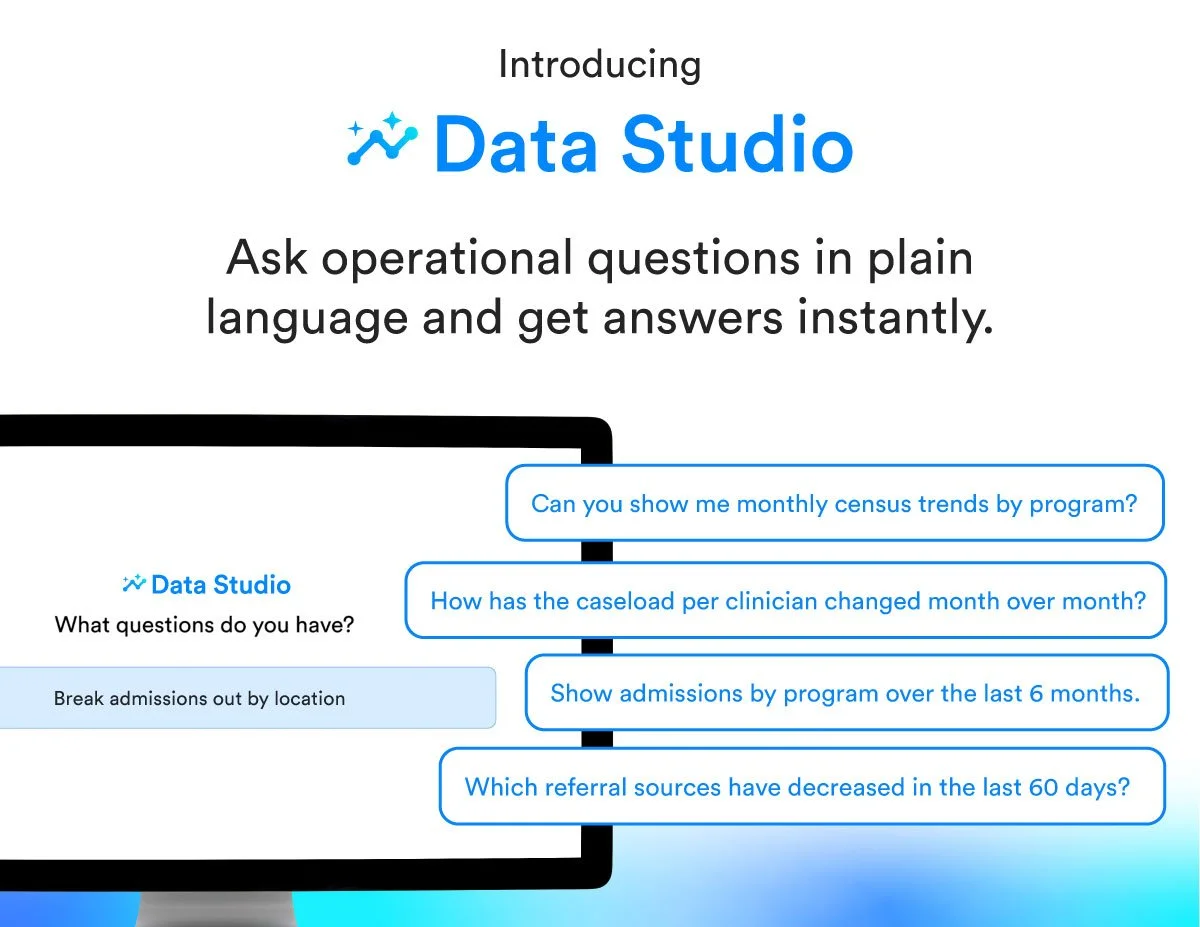
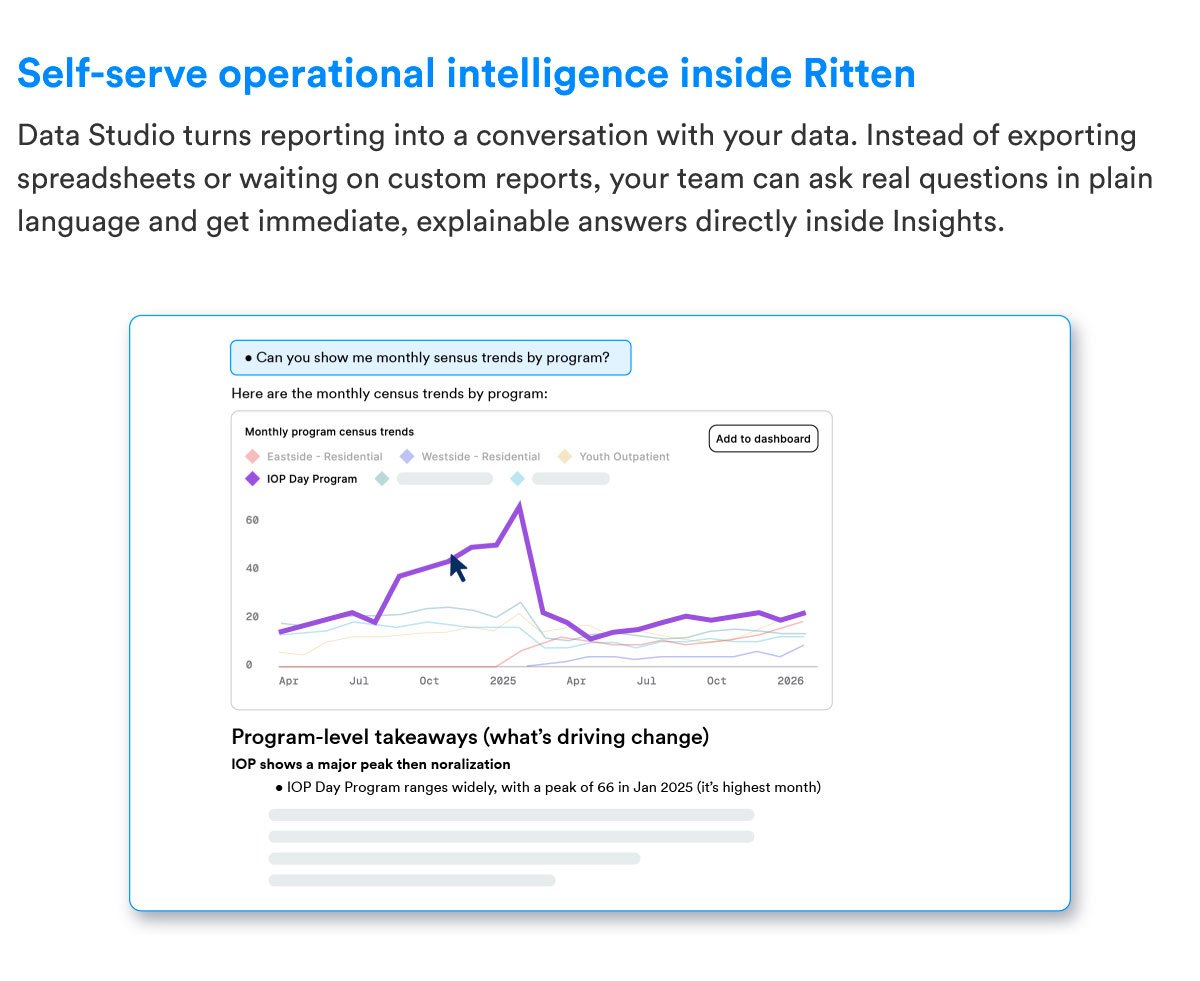
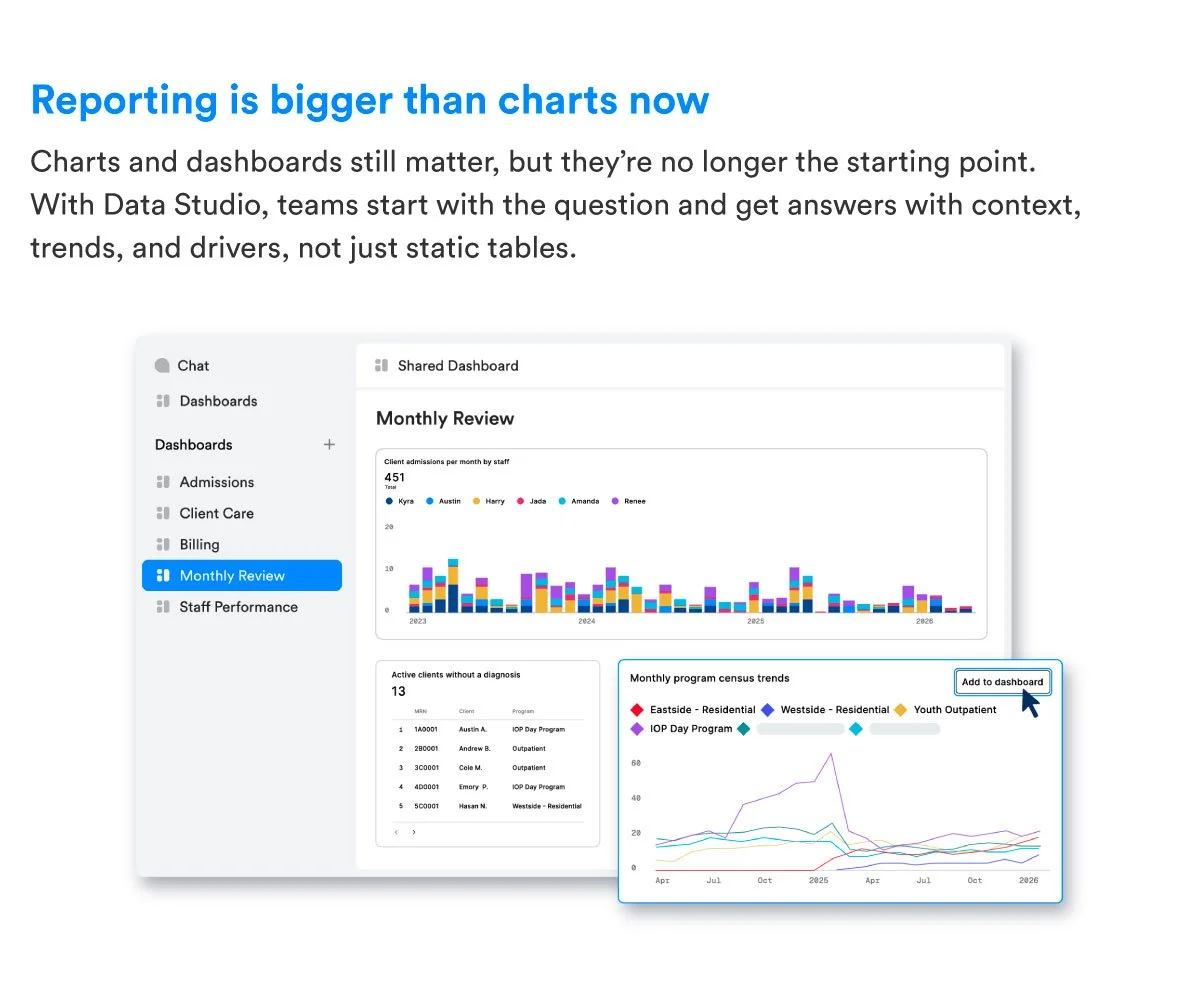
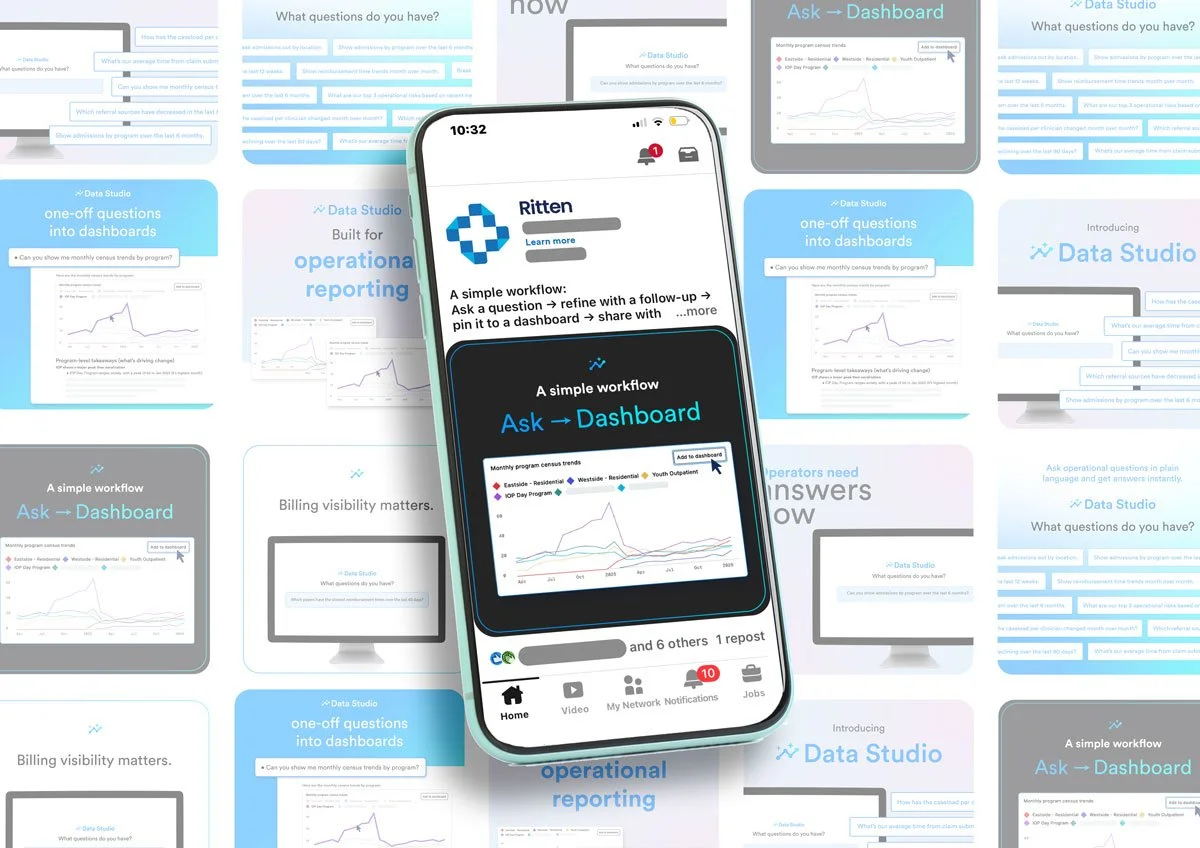
Data Studio is an AI-powered reporting assistant built inside Ritten, an electronic medical record (EMR) platform for behavioral health clinics. Traditionally, clinic leaders had to dig through messy spreadsheets or wait days for custom reports just to see how their clinic was running. Data Studio fixes this by letting supervisors ask questions in plain English—like "Show admissions by program over the last 6 months"—to instantly generate charts, tables, and dashboards.
The Campaign Objective
The goal of this launch was to drive paid upgrades among existing Ritten customers. The campaign focused heavily on product-led growth (PLG), showing clinic directors how the tool eliminates reporting bottlenecks, saves hours of manual work, and helps them make faster business decisions.
Key Marketing Assets Developed
To bring this launch to life and guide users through the conversion funnel, I created a comprehensive suite of digital, in-app, and sales enablement assets:
1. Web & Digital Assets
Product Landing Page: Designed a client-facing landing page featuring clear positioning, core use cases, frequently asked questions, and a direct call-to-action to book a demo or start a trial.
https://www.ritten.io/ri-data-studio
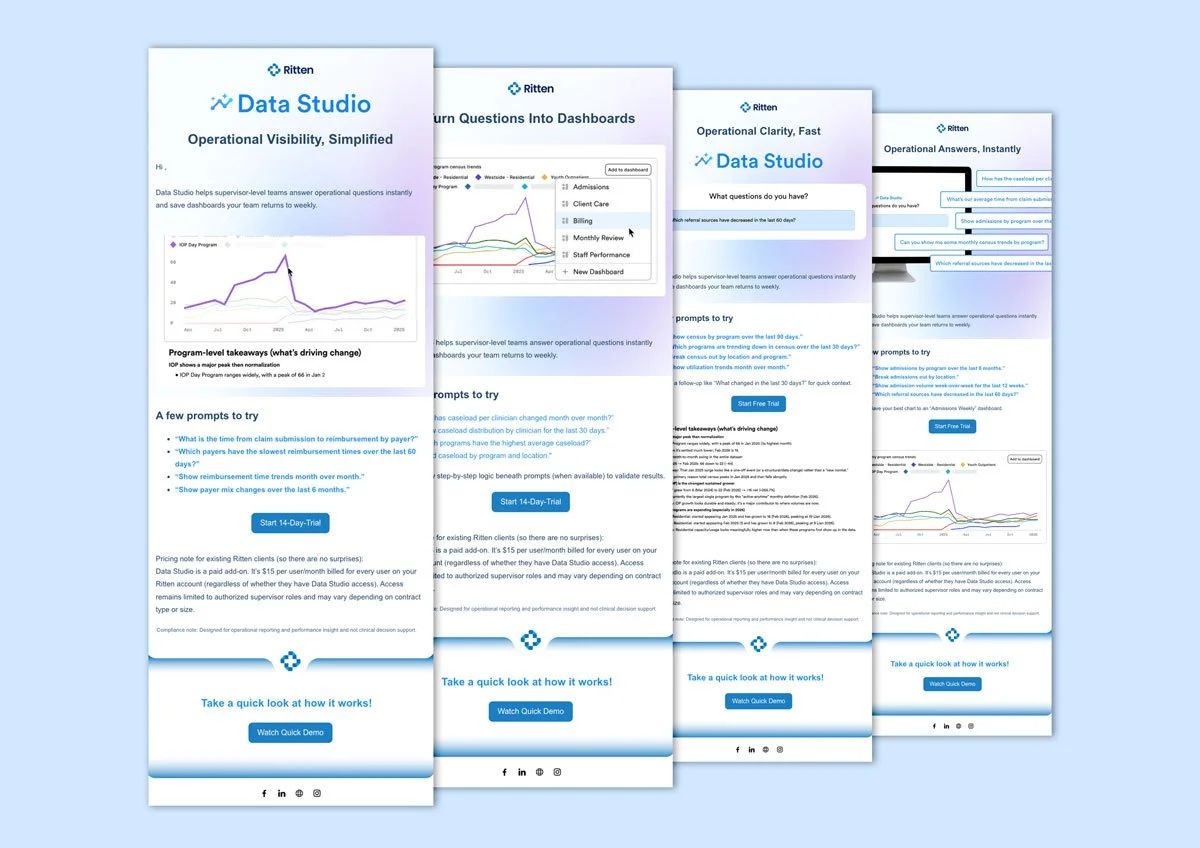
Role-Based Email Drip Campaign: Built a 4-part automated email nurture sequence in HubSpot tailored to specific clinic leadership roles, including Admissions, Operations, Clinical, and Billing leads.
Launch Webinar: Outlined and promoted a 30-minute educational launch event titled, "Run your clinic with questions, not spreadsheets: Meet Data Studio."
2. In-App Marketing & Content Assets
Disabled-State Splash Page: Designed a visual, "splashy" promotional page inside the Ritten platform. When non-paying users click on the reporting tab, they see a pitch, key benefits, and a quick trial option.
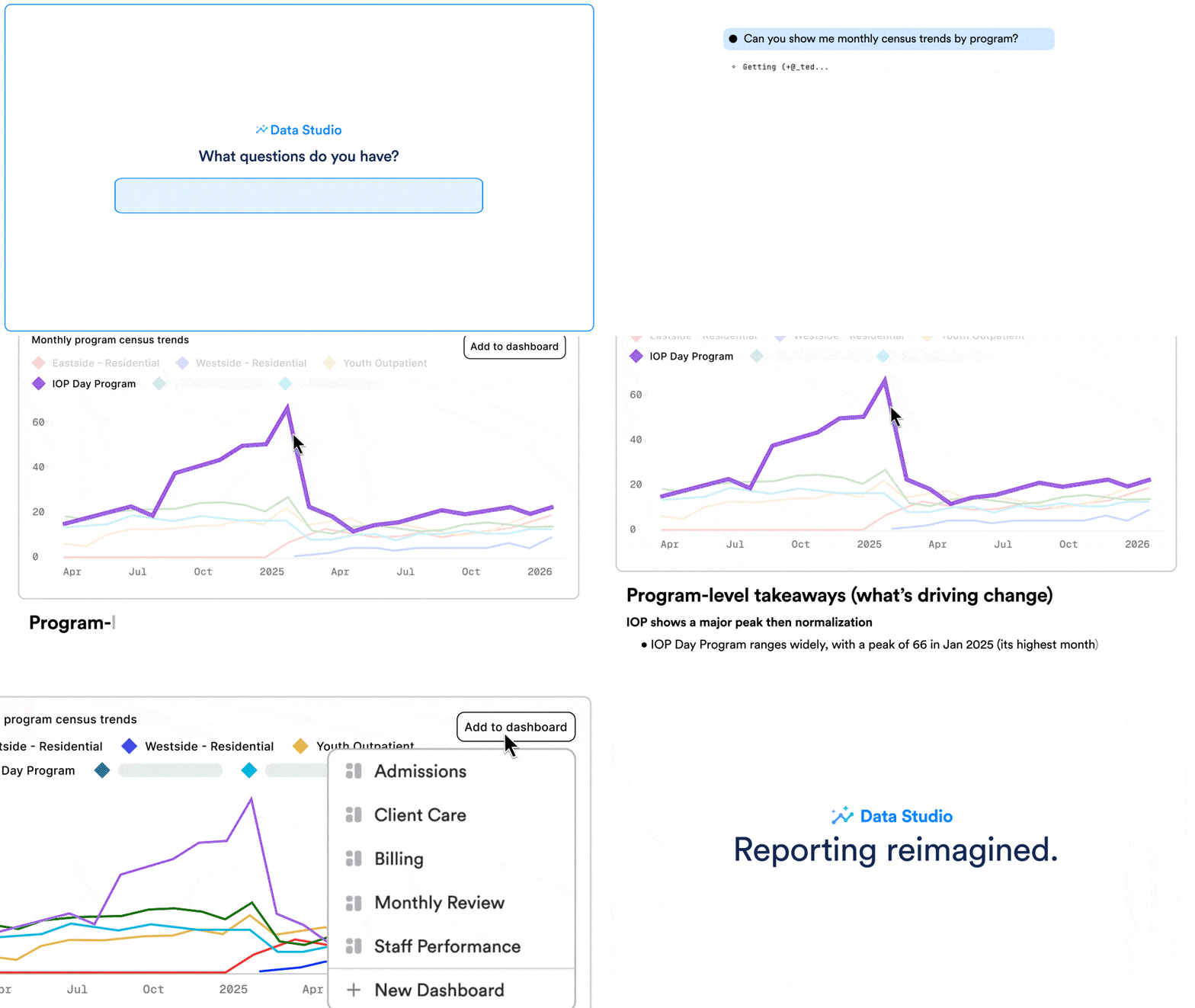
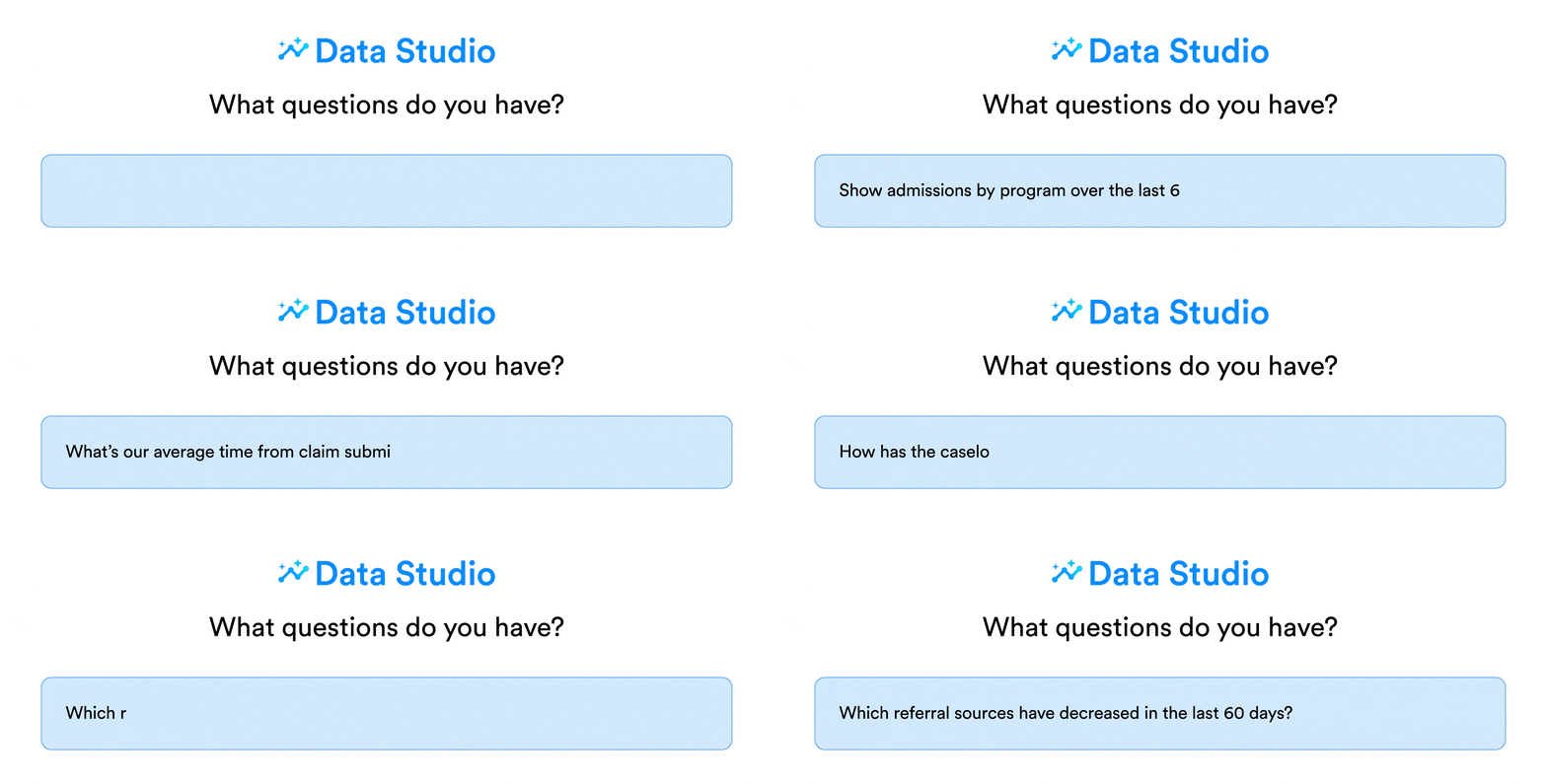
GIF & Video Storyboard: Scripted a 20-to-30-second looping video for the in-app banner that visually demonstrates typing a prompt, generating a chart, and saving it to a custom dashboard.
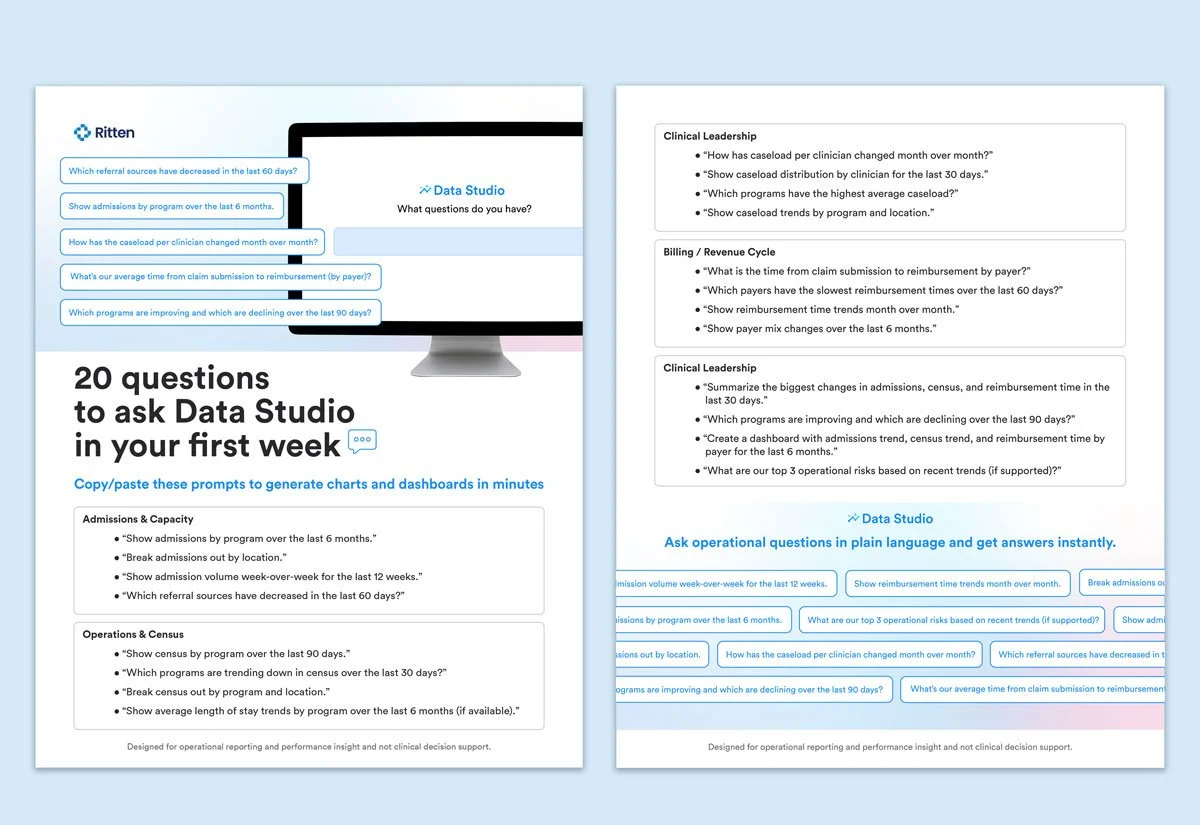
Interactive "Prompt Pack" Guide: Created a downloadable, beginner-friendly resource titled "20 questions to ask Data Studio in your first week" to help users overcome the blank-page problem and build daily reporting habits.
3. Internal Sales & Support Enablement
CSM Playbook & Talk Track: Developed an internal guide for the Customer Success team covering target audiences, objection handling, and an onboarding checklist to assist with self-serve activation.
ROI Calculator Template: Built a simple framework for sales calls to help clinics calculate exactly how many hours and "reporting fire drills" they save each month by upgrading.
Executive Summary PDF: Designed a concise, one-page business case that operational leads can easily forward to financial buyers (like a CFO or COO) to justify the purchase.